
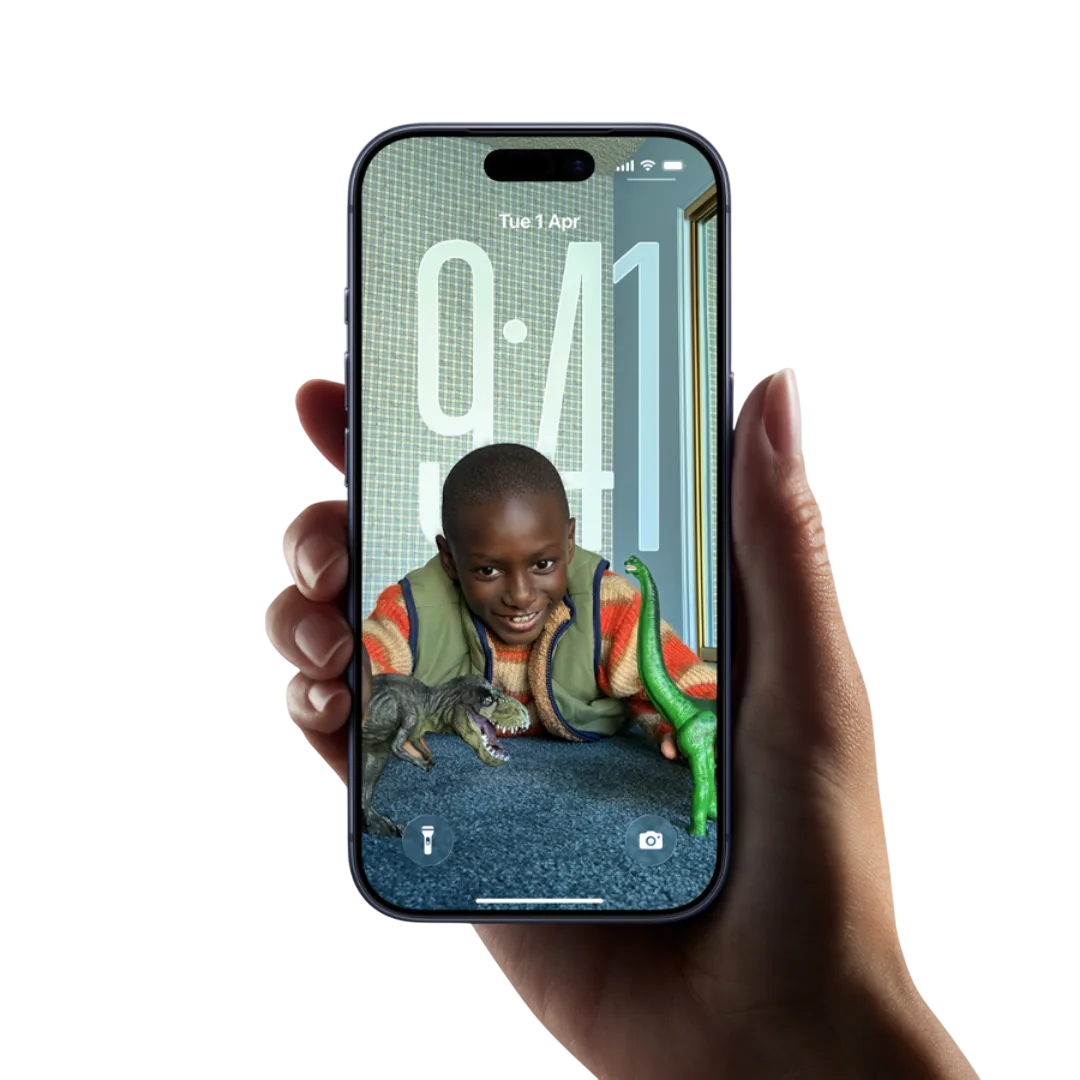

It has been a few days since iOS 26 was released, and while there are some updates that are pretty out there and hard to miss (like the ‘Liquid Glass’), there are yet others that are not too visible, but silently supporting you from the sidelines. Let’s take a look at some of these hidden iOS 26 features and updates that are changing the way your iPhone feels in daily use.
Charging Time Notification
iPhone users can now know how long it will take their phone to charge to 80% and 100%. Revolutionary, right? This is a super handy feature that Android users already had on them for a really long while. But, I guess, it’s better late than never.
Text Portion Selection
You can now highlight and copy only the part of a message you need—like a code or address—without grabbing the whole thing. Just tap and hold, hit Select, and drag to pick the section. Now, this feature may not sound like much—but it, in fact, is quite helpful and simplifies a slightly tedious function. So good job on this one, Apple!
Song Lyrics Translation
They say that music has no language, but lyrics definitely do. And while not everyone digs digging into song meanings, some people love it. So, if you’re jamming to tunes in another language, Apple Music in iOS 26 features a song translation option that allows you to translate lyrics as the song plays. Just tap “Translate These Lyrics” in the lyrics view. It’s a fun way to discover new music without missing the meaning.
Backgrounds in Chats
Want to give a chat its own vibe? You can now set custom backgrounds in Messages—photos, colors, gradients, even AI-generated ones. Just tap the chat name at the top and choose “Backgrounds.” Again, a simple feature, but it makes texting feel a little more personal.
Weather Update Even Without Service
Now this one is truly a functional update. Apple now allows you to see basic weather info, even without a signal, thanks to satellite support in the Weather app. You’ll get forecasts, rain chances, and even alerts, regardless of the network conditions around you—this feature is a great addition, particularly for adventure and hiking enthusiasts.
Camera Lens Cleaning Notification
If your iPhone’s camera lens is smudged or hazy, the Camera app will give you a gentle nudge to clean it before you snap the shot. A small touch, but it can save a great photo.
A common theme throughout these updates is their subtlety. The iOS 26 features multiple well-considered changes that genuinely enhance the user experience. These thoughtful refinements simplify everyday tasks and contribute to a smoother, more intuitive phone usage. Each update focuses on improving functionality in a way that feels natural and effortless, making daily interactions with the device more seamless and enjoyable.


