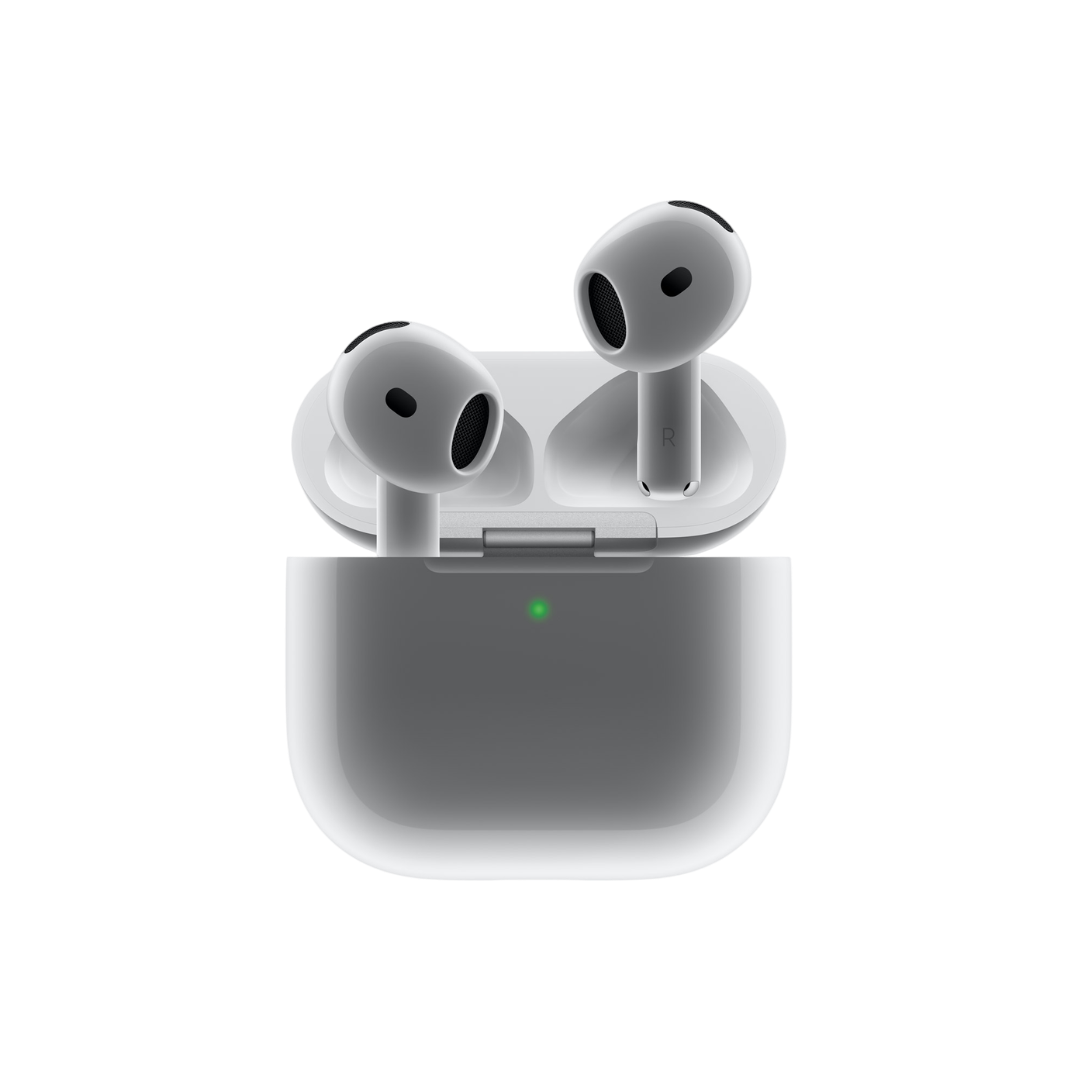

It’s been a little over a year since the AirPods 4 dropped, and yet these earbuds still manage to surprise with their not-so-obvious features.
Honestly, they should come with a tiny guidebook, because discovering them months later makes you go, “Wait, they could do that all this time?”
Or maybe that’s the point—a little treasure hunt, with useful features tucked away in plain sight, just waiting for you to find them. Let’s take a look at some of these features that you probably didn’t know about.
Sound Recognition Alerts: It is not uncommon to lose awareness of your surroundings when listening to good music. And if you’re wearing the AirPods 4 and blasting music or using Active Noise Cancellation, the risks increase even more so.
Thankfully, under Settings → Accessibility → Sound Recognition, you can toggle alerts for things like fire alarms, baby crying, animals, appliances etc., which can help you stay connected to reality, even if the divine listening experience has taken you to another dimension. Great for those who work in noisy environments, and for those who have a penchant for zoning out at any given moment.
“Left Behind” Notifications: You know that feeling when you pat your pockets and suddenly realize you left your keys somewhere… or dropped something … heaven forbid, your AirPods? We’ve all been there.
With the AirPods 4, Apple makes sure your earbuds don’t get left behind. In the ‘Find My’ app, just select your AirPods 4 and enable ‘Notify When Left Behind’. You’ll get a gentle nudge if you walk away without your buds or the case. Now if you forgot to keep your phone with you as well, that’s on you.
Head Gestures: This one’s pretty cool. You can use head gestures to answer or reject calls, and to handle notifications—yes, with your head. Enable ‘Announce Calls’ for headphones in Settings → Siri → Announce Calls then wear the AirPods and give a nod or shake to interact. Perfect for when your hands are full or you’re mid-task and don’t want to bother handling your phone. However, if you struggle with instructions and get confused between the head shake and nod, then, this might not be the best feature for you.
Multiple Charging Options: The AirPods 4 support charging in more ways than you might realise: USB-C, wireless charging, and even reverse charging from a compatible iPhone/iPad/Mac when connected by USB-C to USB-C. Basically, the only thing they don’t do is charge themselves out of thin air—but give Apple a year or two, and who knows.
Live Listen: AirPods 4 can also act as a discreet hearing aid with the ‘Live Listen’ feature. By enabling it in Control Center → Hearing, your iPhone’s microphone picks up sounds and streams them directly to your AirPods. This is perfect for crowded rooms where you want to eavesdrop on a particularly juicy gossip or even boring, useful stuff like following a lecture from the back of a classroom. It’s like turning your AirPods into supercharged ears. Reminds me of the ‘Extendable Ears’ the Weasley twins made in Harry Potter! And if your iPhone’s compatible with iOS 26, you can listen in on conversations in some foreign languages as well. Great for espionage, if you ask me!
Turns out there’s more to the AirPods 4 than meets the ears. They are sleek on the outside and full of surprises within. The more you use them, the more of these hidden features you are likely to stumble upon. I guess these are just Tim Cook’s version of Easter eggs—‘Easter Apples’, if you will!